
Web Accessibility Compliance Audit Reports
Make your sites, apps, designs, and digital assets barrier-free for people with disabilities.
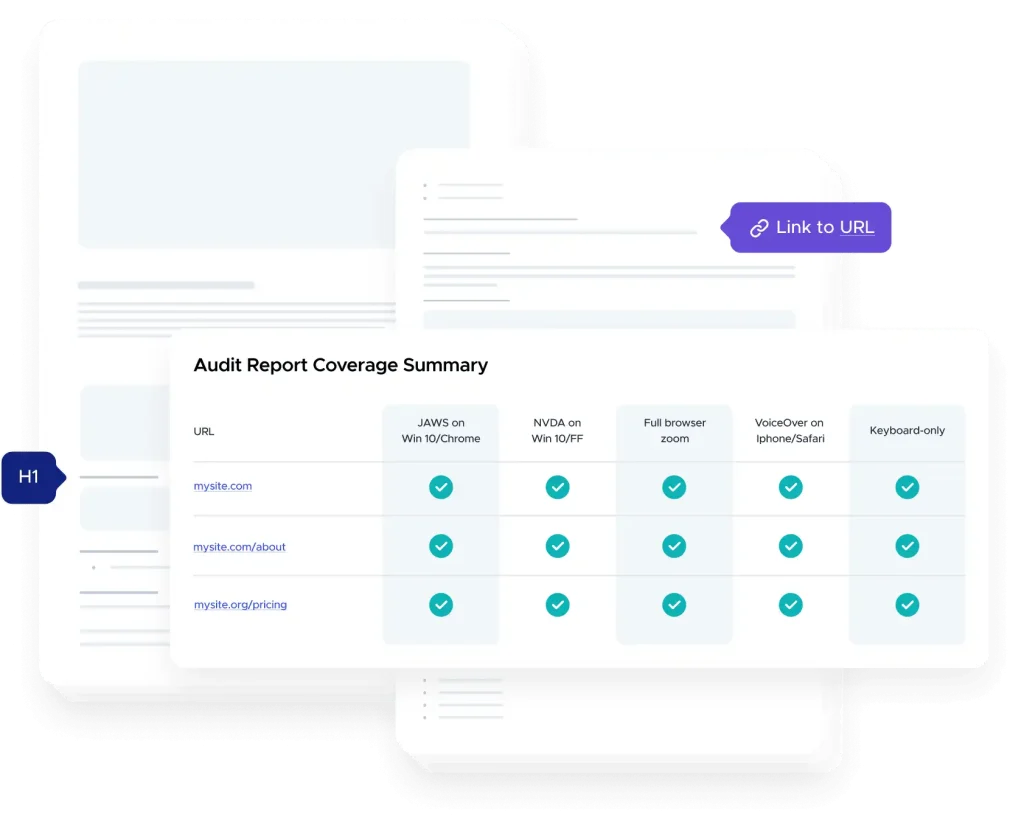
Benefits of UserWay’s
Accessibility Audit Report
Our certified accessibility experts assess your WCAG 2.0/2.1 AA compliance levels, and give your teams a full report with guidance on how to action necessary fixes to help meet ADA and Section 508 requirements.

Practical Precision: Seamlessly Remediate at the Code Level
Make digital assets usable for all
Our experts, your accessibility success
See how to fix your accessibility
Audit Types
Web Audit
Design Audit
VPAT
Accessibility Testing
Micro-Audit
Mobile App Audit
Audit Type
Web Audit
Design Audit
VPAT
Accessibility Testing
Micro-Audit
Mobile App Audit
Why is an Accessibility Audit Important?
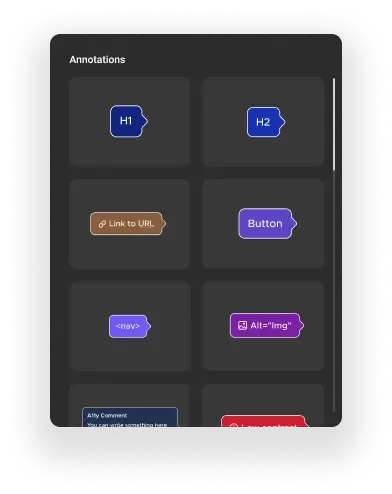
Design Audit & Annotations
Build accessibility in, from the get-go. You get clear, detailed annotations on your designs, that developers understand instantly. Your code will be written accessibly from the start, saving your company time and money.
You need accessibility.
We know how to make it happen.
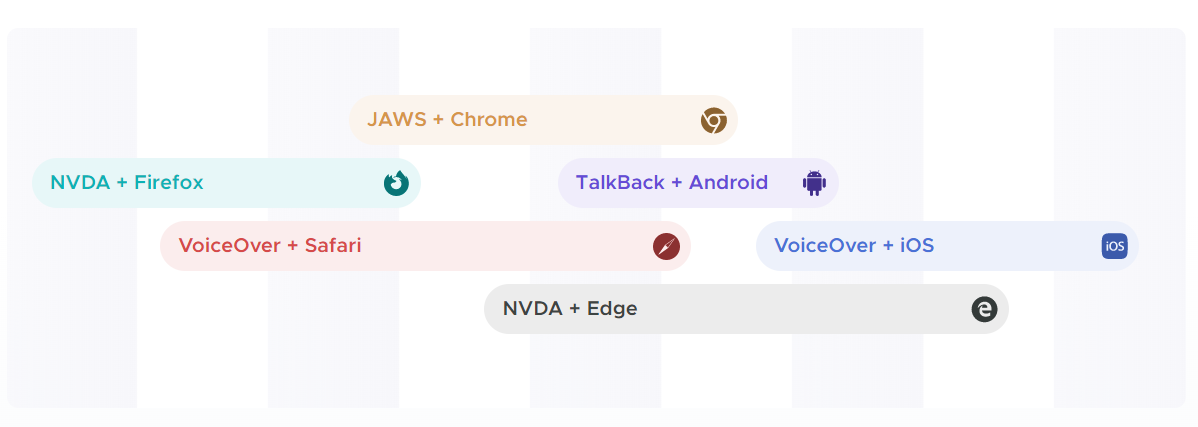
UserWay accessibility audits test with the right combination of browsers and assistive technologies for your site, app, or design. Our experts pinpoint true violations based on real-world experience.
Which Accessibility Audit is Right for You?
Choose the Scope of your Audit
I would like to add a VPAT report: $4,800 – Get an Itemized Accessibility Report, at Any Scale
Standard Website
- Up to 10 pages
- 1-2 forms
- Dynamic elements
- Audit report will be ready in 14 business days
- No
- No
- No
Large Website
- Up to 30 pages
- 3-5 forms
- Rich media
- Audit report will be ready in 21 business days
- Complex navigation
- No
- No
Ecommerce Site
- Up to 50 pages
- Logins/paywall
- Complex forms
- Audit report will be ready in 30 business days
- Dynamic templates
- Search & filter results
- Restricted access
Frequently Asked Questions
Everybody. Not everyone can budget for a full manual audit, and we understand that. We also offer micro-audits, automated tools including AI, and what’s called Human-in-the-Loop tools that can help scan and partially remediate sites, whether or not they will be manually audited. But, for large sites, for any company or organization that wants to be up to the standards that mean excellence (and the ability to bid for government or education contracts), or for people who just want their websites to serve all users, a manual audit is ideal. And, audits can help businesses avoid lawsuits, which are becoming more and more of a concern for organizations of all sizes.
A manual accessibility audit can be done by someone who is an accessibility expert. This same individual may also be a person with disabilities. Alternatively, more than one person may participate in the process.
What’s important about the auditor is that they:
- Fully grasp the big-picture ideas about what accessibility means
- Have an excellent understanding of how that plays out in real life
- Can explain what’s problematic about your site or app
- Can describe in clear and accurate detail how to fix your accessibility issues
If you were wondering, our auditors are all of the above. We think they’re pretty terrific.
A manually performed WCAG-based accessibility audit is a test that’s done live by a real person. The resulting report tells you where the accessibility obstacles and pitfalls are in your site or app, including example code snippets, and how to address them.
An accessibility audit report will tell you:
- What and where the problems (or violations) are.
- How to go through and fix (or remediate) each one.
The tests performed are based on the WCAG, which was formatted originally as an independent effort of the W3C, partly based on the ADA as well as other accessibility laws and guidelines around the world.
If you’re not fully familiar with the WCAG, it is a set of non-governmental guidelines intended to inform two groups of people (who may overlap):
- Site admins, site owners, developers, and designers
- Site visitors, with or without disabilities
It describes situations in which design, formatting or coding choices are either helpful or harmful to persons with disabilities, for example blindness, low vision or color-blindness, or deafness. It outlines suggestions for how to make every site, app, or other digital asset easier to use and navigate, so that everyone can access all the services offered online, whether it’s updating a driver’s license or ordering a pizza with all the toppings. Nobody should miss out on those things, and there are laws in place to make sure they don’t.
To briefly spell out the abbreviations:
- WCAG stands for Web Content Accessibility Guidelines, published by
- The World Wide Web Consortium’s (W3C) Web Accessibility Initiative (WAI).
- ADA refers to the Americans with Disabilities Act, which includes accessibility standards that apply to places of public accommodation, commercial facilities, and government facilities. While these standards were originally written to refer to physical accessibility accommodations, they now also include digital assets and access. That is, accessibility is now a requirement for websites, applications, and other digital items such as kiosks and more.
Accessibility laws (such as the ADA, or the Unruh Civil Rights Act – CA) do not compel businesses to conduct accessibility audits. However, as interpreted by some courts, these laws do mandate that websites be accessible. An audit is one of the available tools to achieve accessibility, and it is considered by many to be one of the best such tools. If a business is sued, the complainant will request injunctive relief, which frequently includes an accessibility plan. As part of the request for an accessibility plan, an audit may be specified. These cases often settle, and in settlement agreements, an accessibility plan is frequently required, which can in many instances include an audit.
That’s not something the average or even advanced user can do. It does require an accessibility expert, usually an accessibility auditor. However, it is possible to perform automated scans and even some automated or Human-in-the-Loop remediation. That can be done with UserWay tools such as our scanner and widget. With that said, the results cannot be as comprehensive as those of a manually performed audit.
The short answer: usually between 14 and 30 business days. We’ll give you a more specific estimate after checking what you need (your “scope”). The longer answer: it depends on several factors, including the amount and complexity of the pages being audited. Scheduling your audit earlier is always helpful, to be sure your audit will be ready in plenty of time.